
Important Bitaxe LAN Compatibility Warning
This Bitaxe LAN Adapter does not fit every miner advertised online as a Bitaxe Gamma.
We have seen a different miner sold through Amazon and other marketplaces that may be described or mistaken for a Gamma. Its board layout and LAN connection area are different, and this adapter will not fit it.
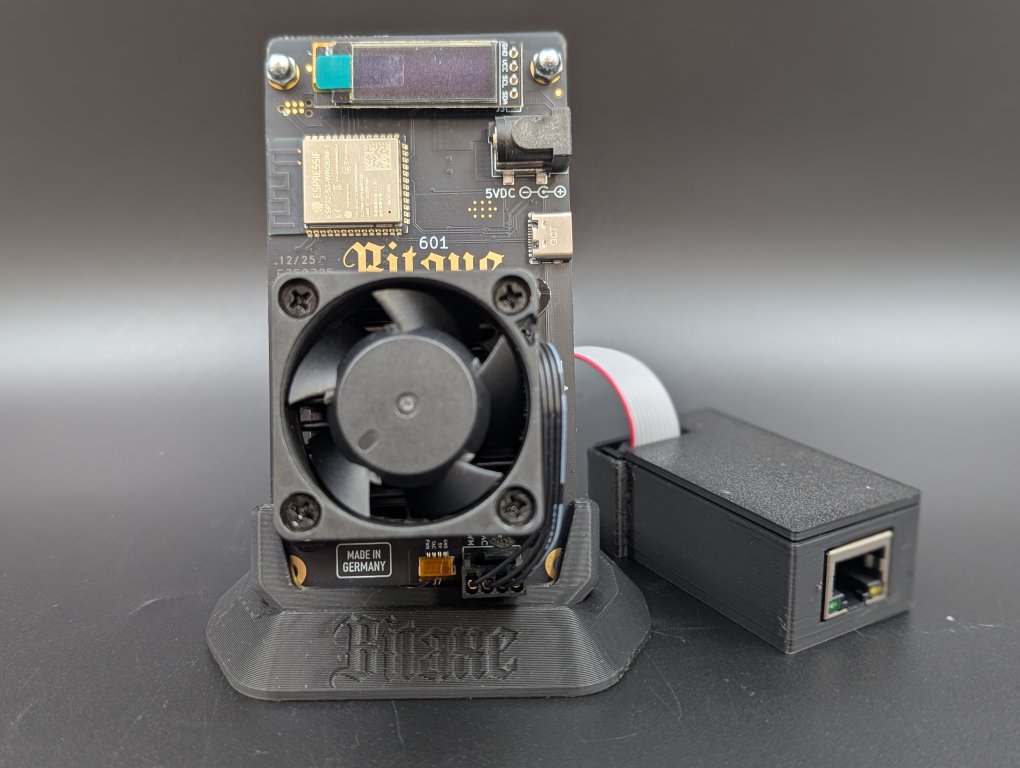
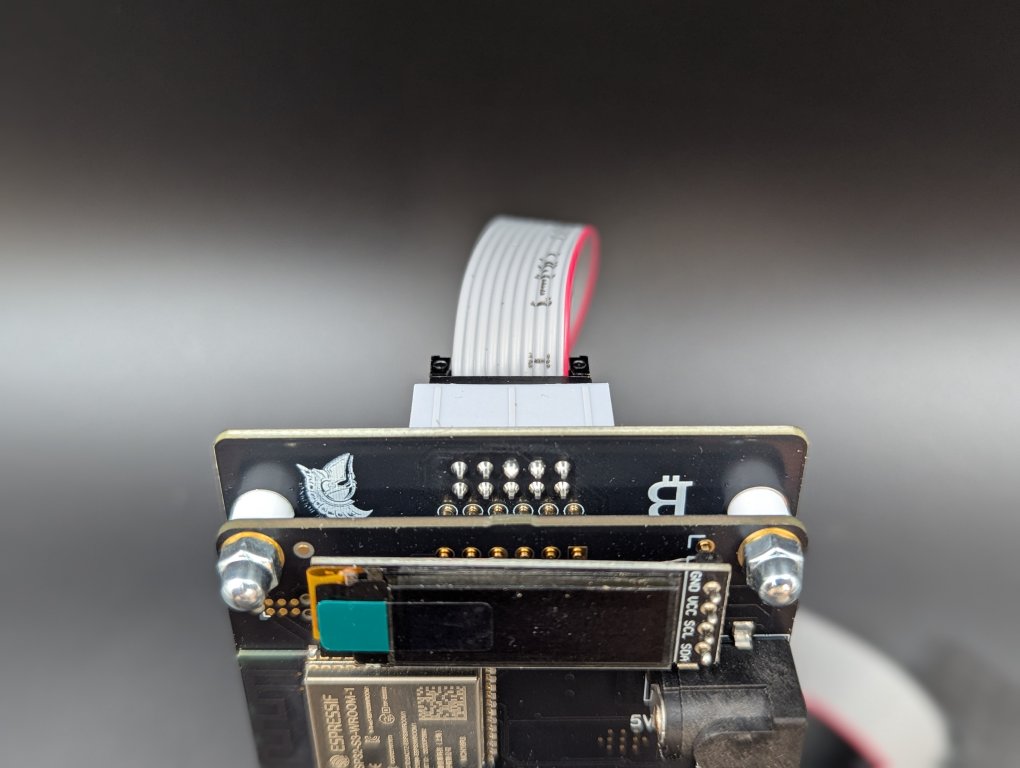
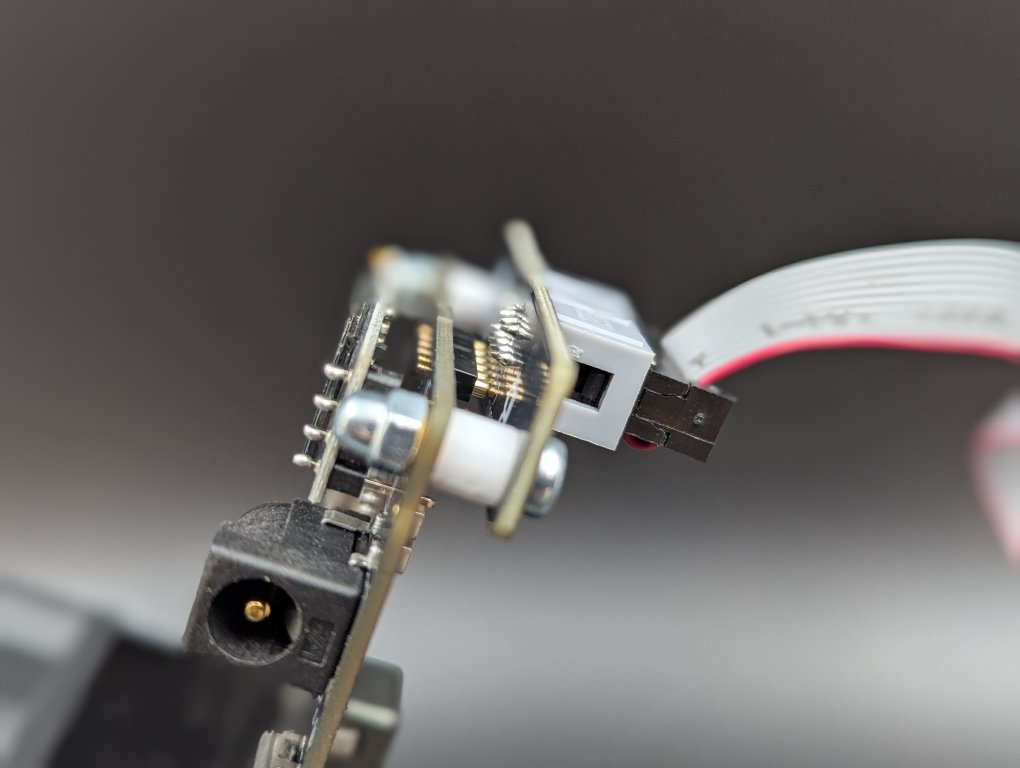
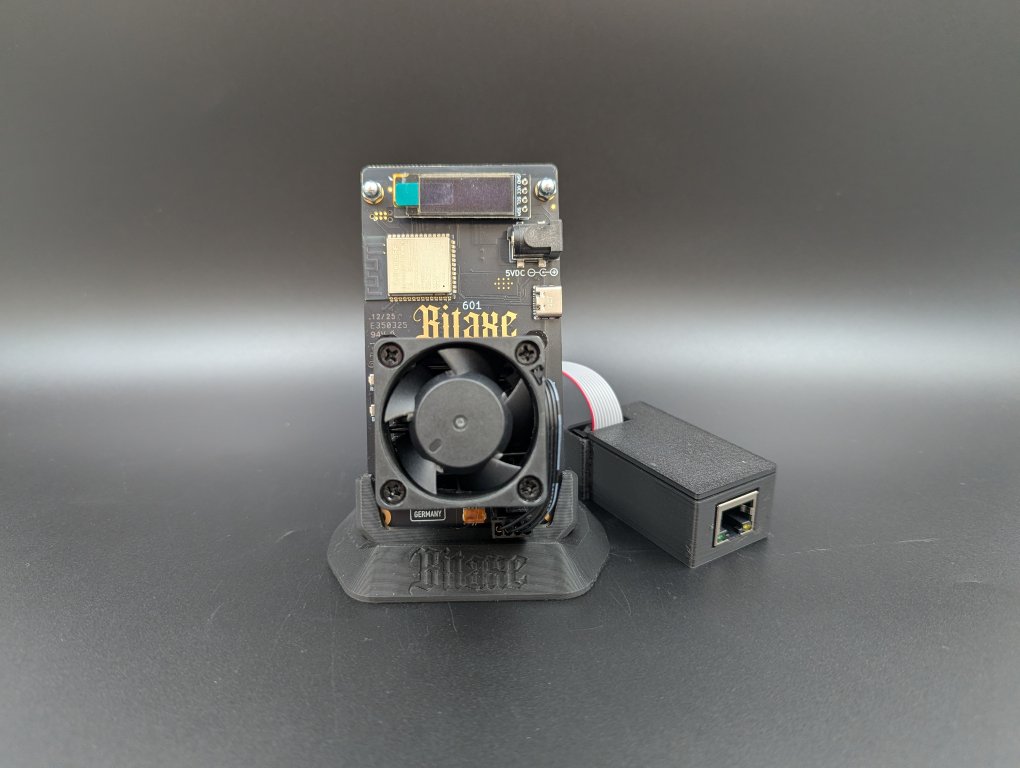
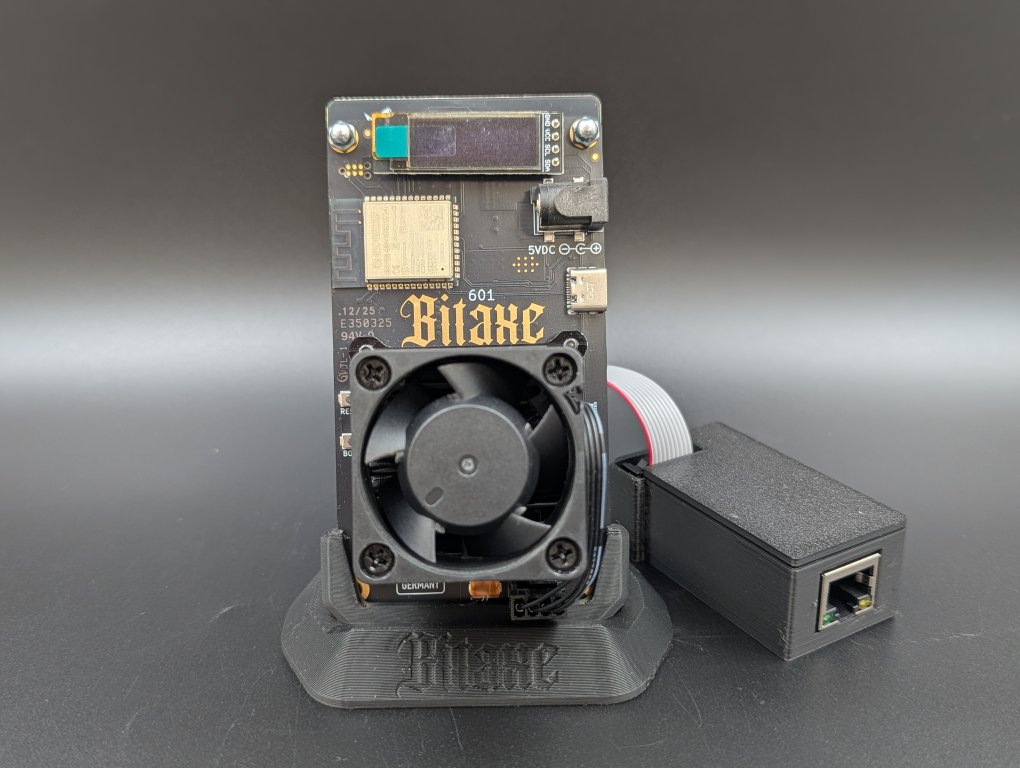
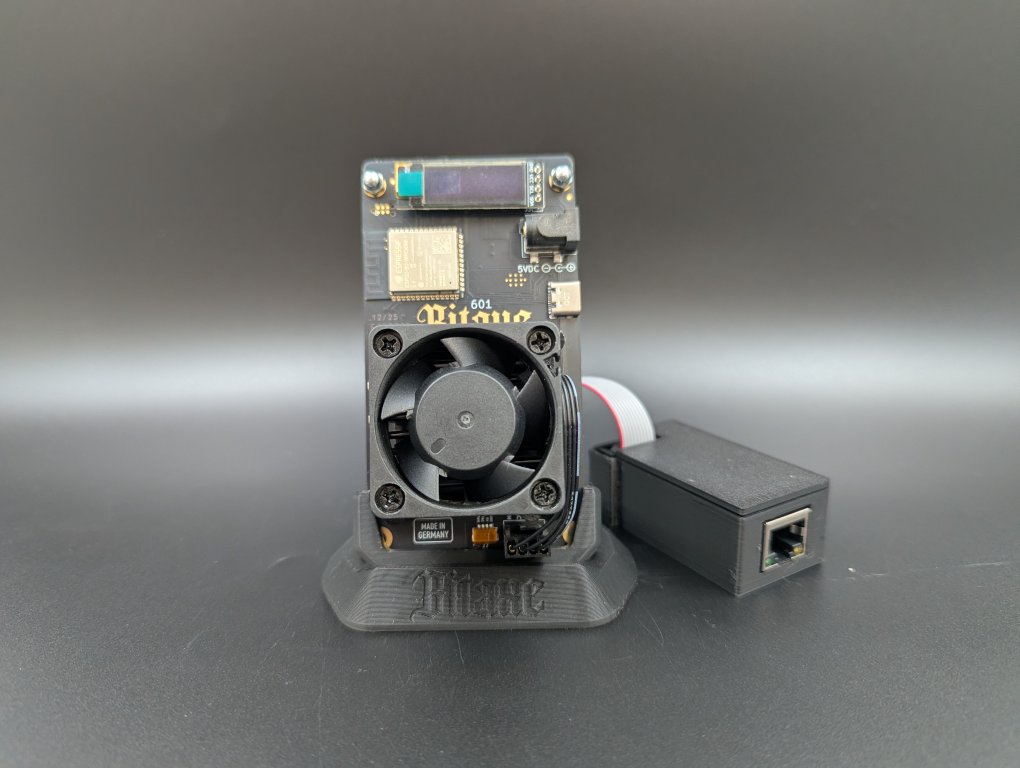
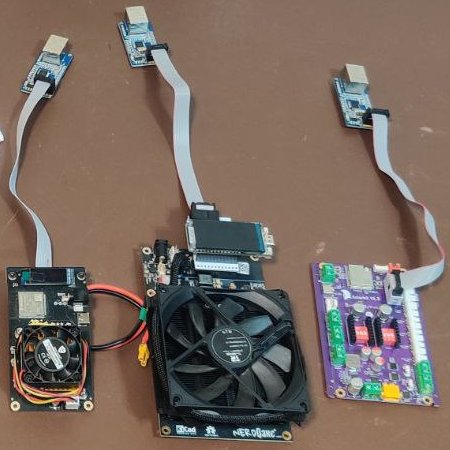
Before ordering, compare your miner carefully with the images below. Pay particular attention to the component placement on the front of the board and the connection pads on the underside.
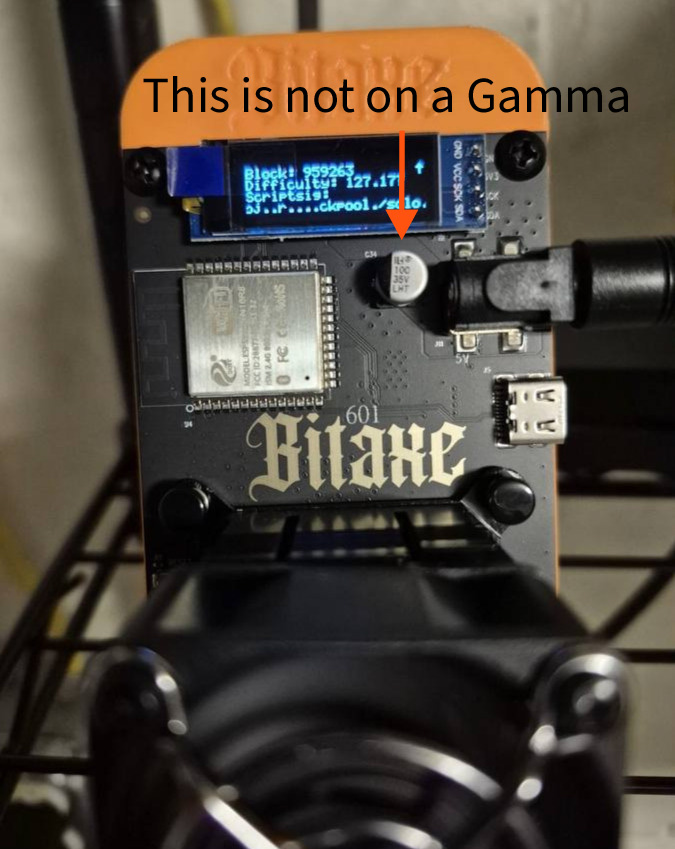
Example of an incompatible miner. The component placement does not match a supported Gamma board.
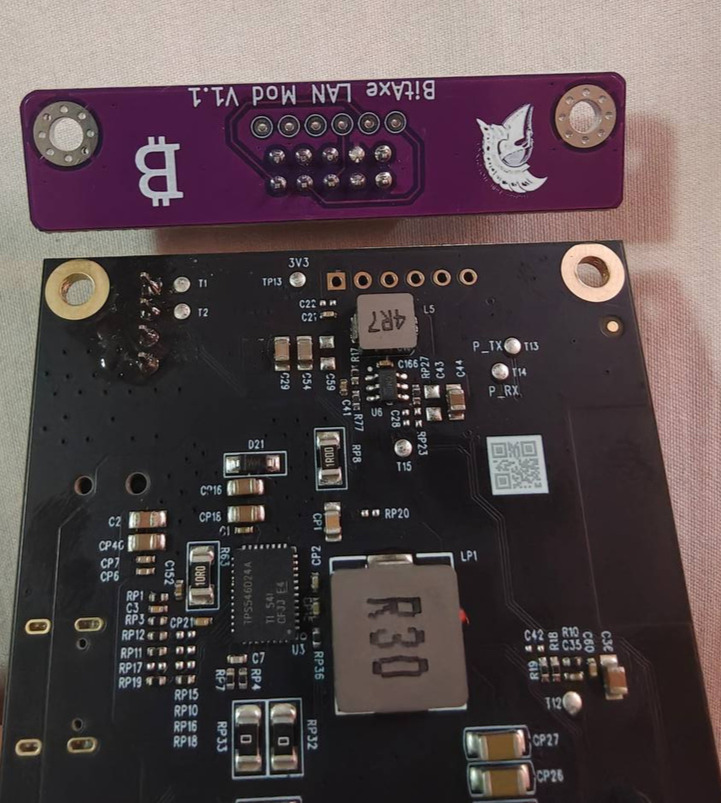
Underside comparison. The incompatible board does not have the same LAN Adapter connection layout.
If you are unsure which miner you own, send us clear photos of the front and back of your board before ordering.
Bitaxe Wired Ethernet Upgrade
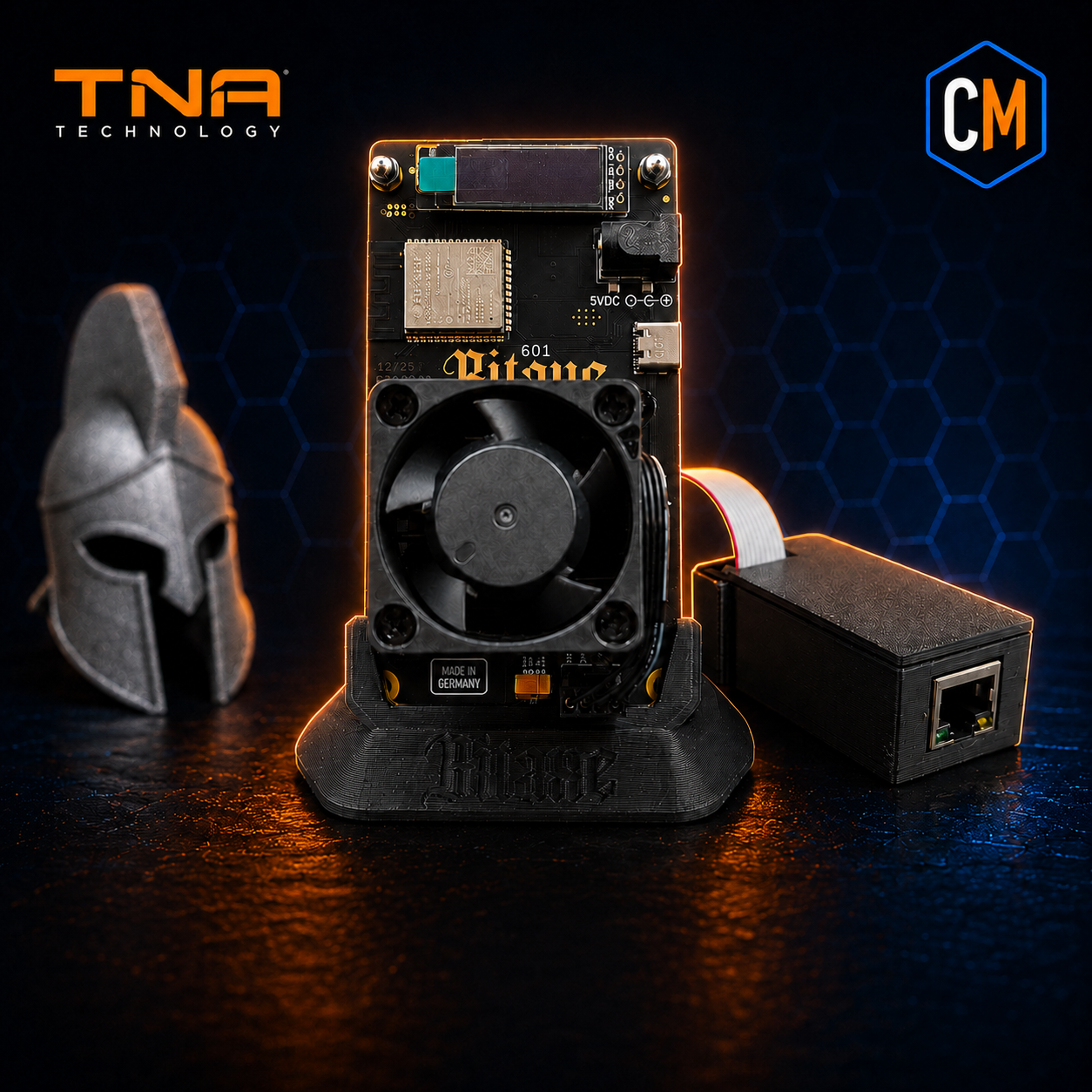
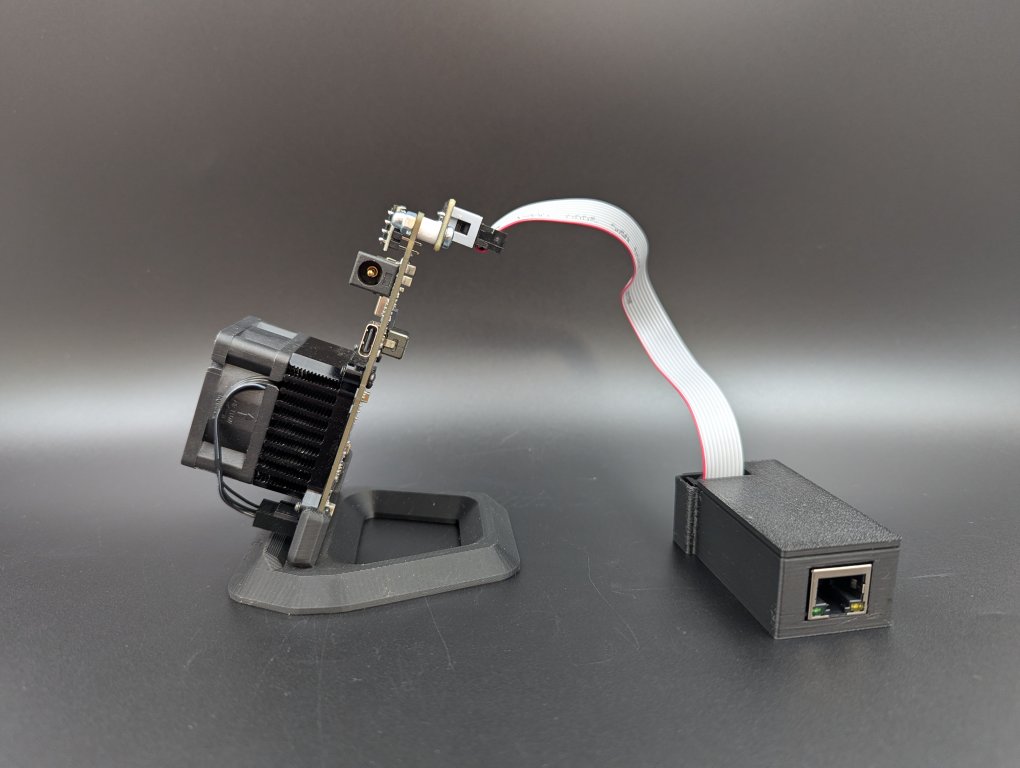
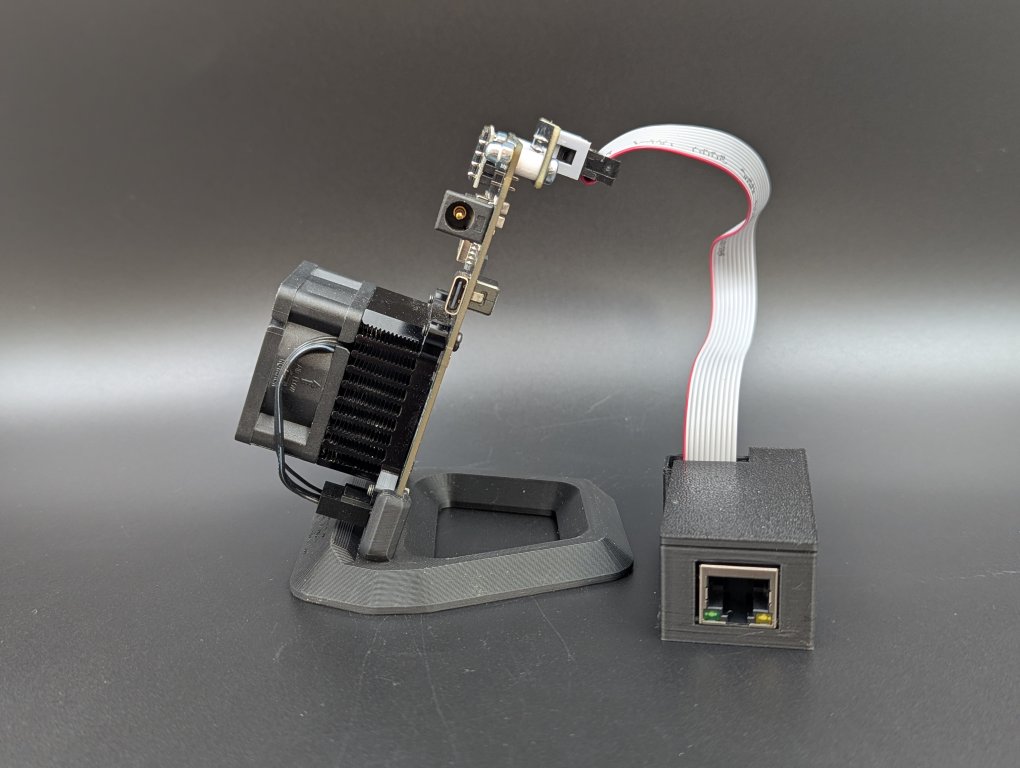
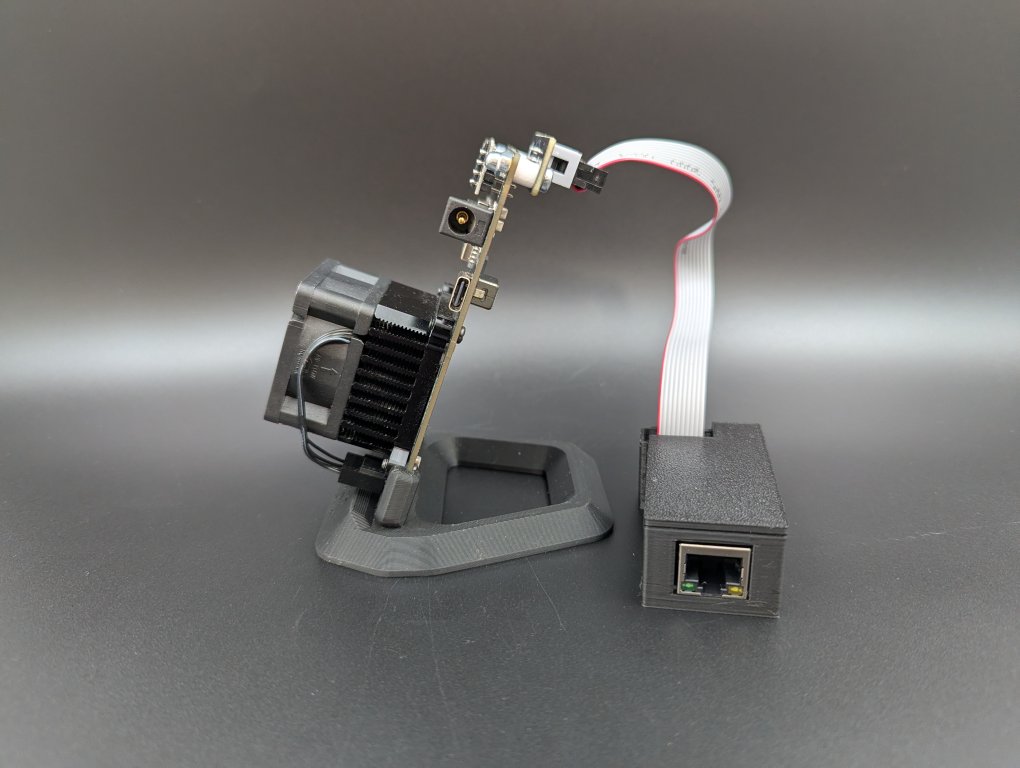
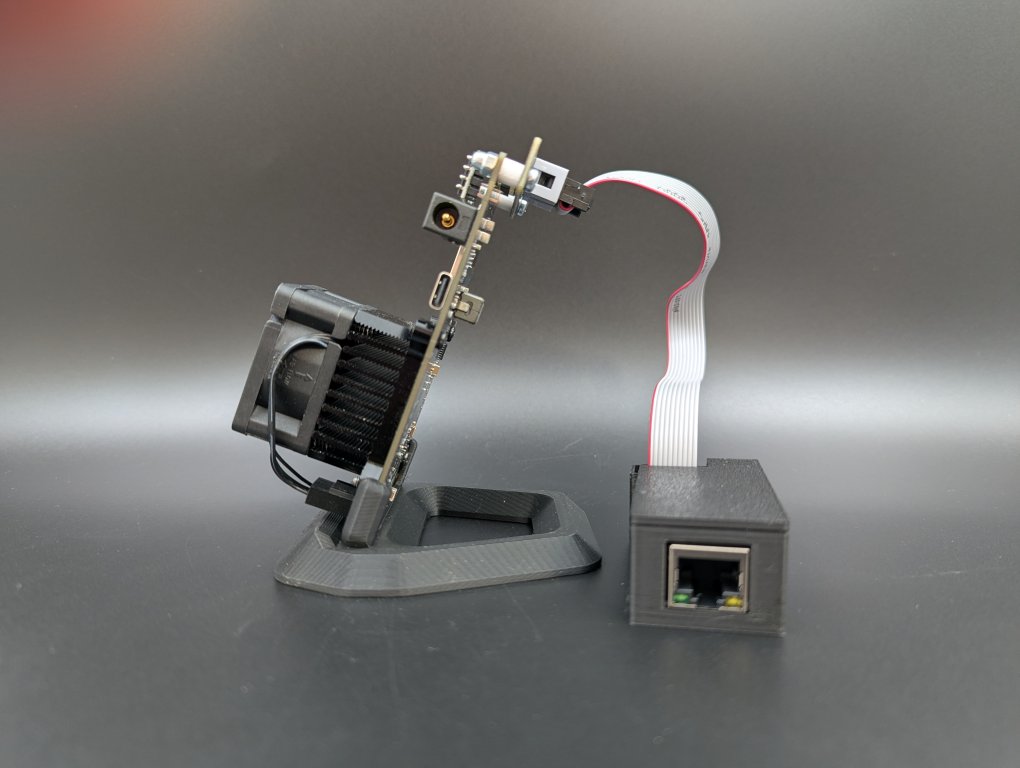
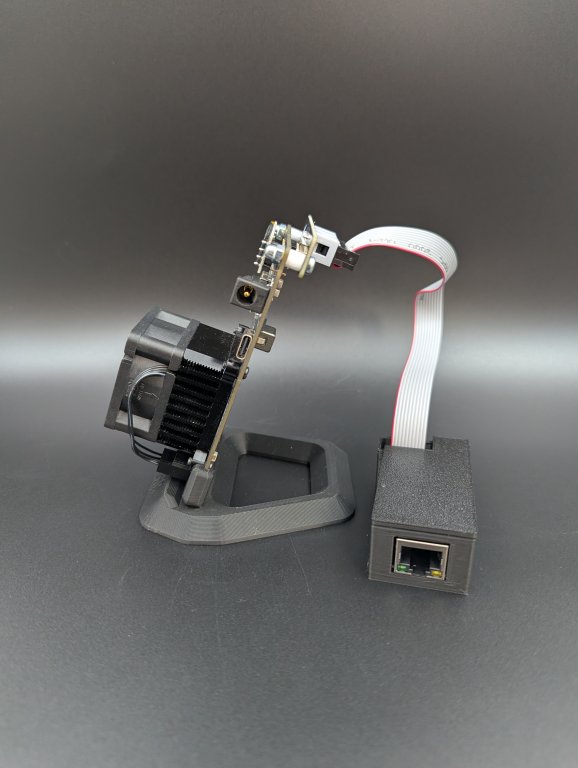
The Bitaxe LAN Adapter adds wired Ethernet connectivity to compatible Bitaxe Bitcoin miners.
It provides a reliable wired-network option for solo miners who want an alternative to WiFi for continuous home mining, test benches and multi-miner setups.
For a Bitaxe running around the clock, network stability matters. WiFi interference, weak signal strength and wireless disconnects can interrupt connectivity. The Bitaxe LAN Adapter gives compatible miners a dependable Ethernet connection for more consistent communication with your mining pool.
Once the required ESP-Miner LAN firmware is installed, the adapter provides a compact wired-network solution designed specifically for compatible Bitaxe hardware.
Why Use a Bitaxe LAN Adapter?
- Adds wired Ethernet connectivity to compatible Bitaxe miners
- Provides an alternative to WiFi for continuous mining setups
- Helps reduce wireless connectivity issues and disconnects
- Designed for long-term 24/7 solo mining
- Works well for home miners, test benches and multi-miner environments
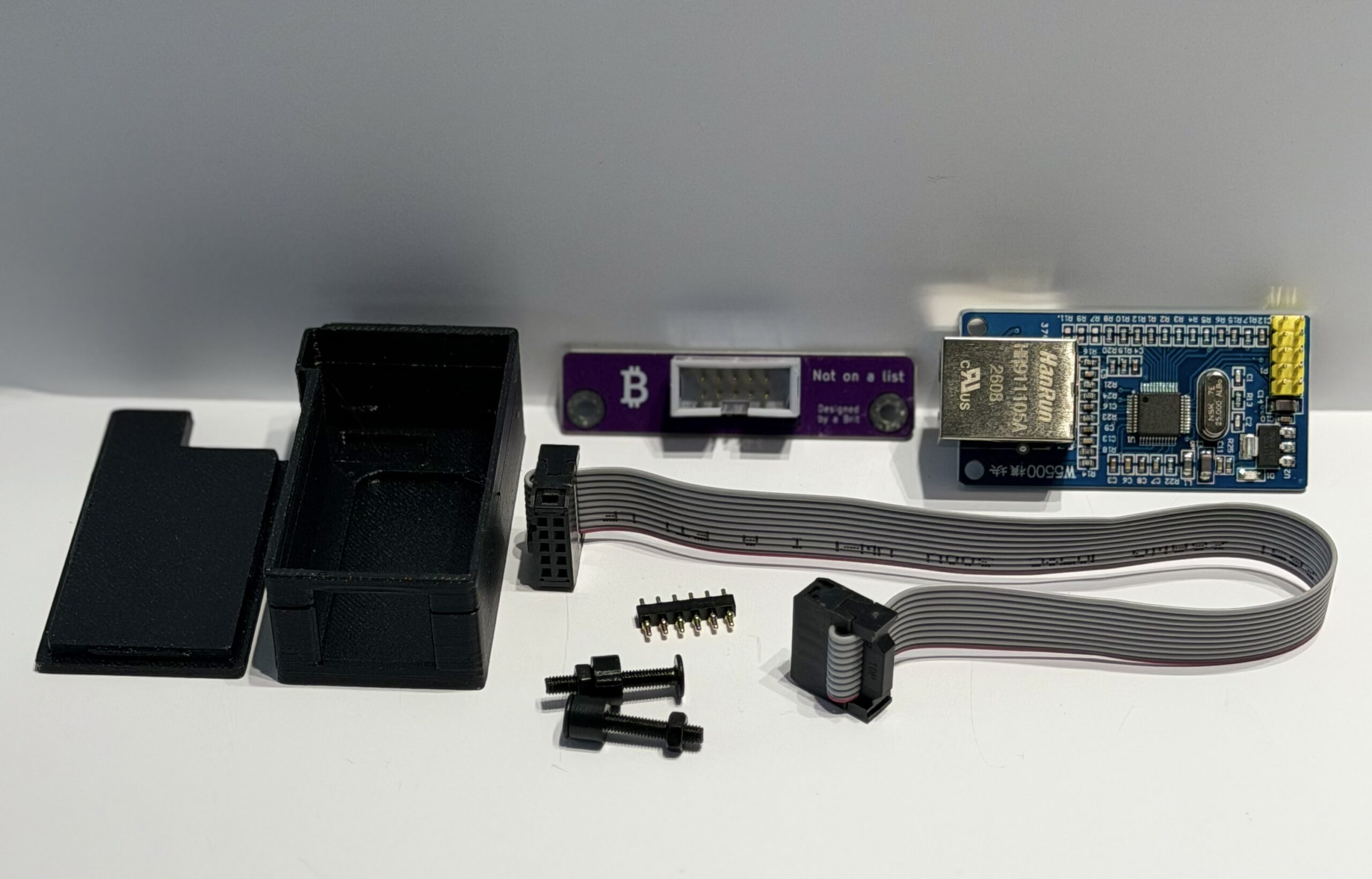
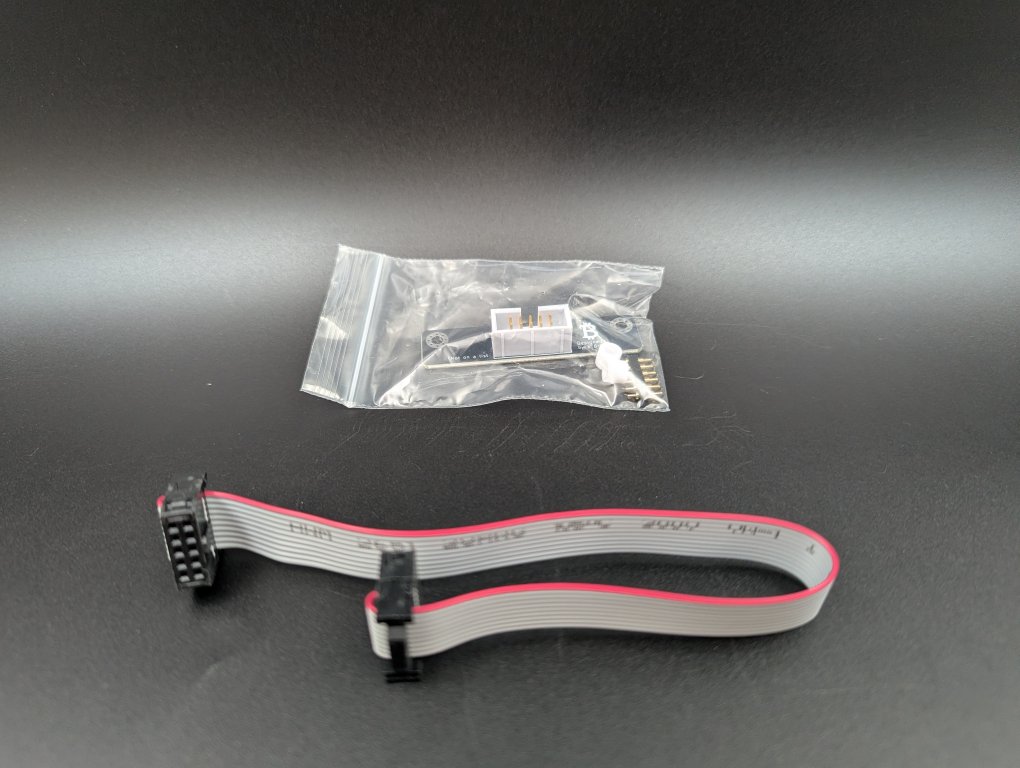
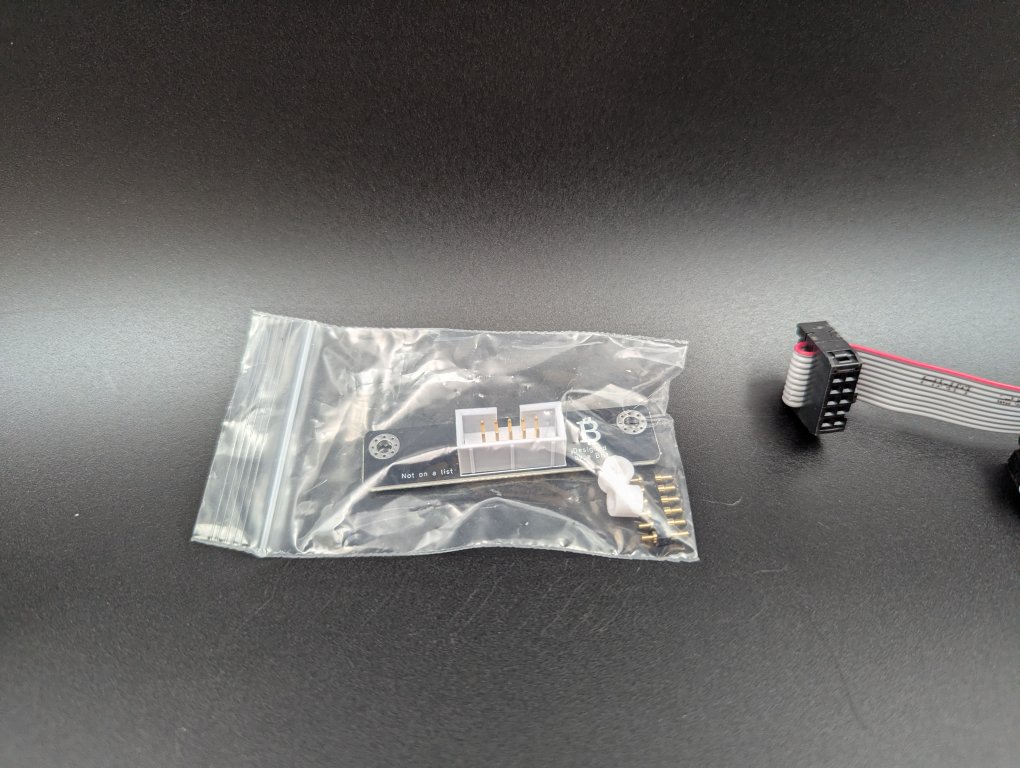
What’s Included
- BAP port extension
- 2 × 5 mm M3 spacers
- 6-pin pogo header
- Ribbon cable
- Ethernet module
- 3D-printed case
Firmware and Setup
Firmware required:
You must flash the modified ESP-Miner LAN firmware to enable wired Ethernet mode.
Firmware is available from the
ESP-Miner LAN GitHub repository
.
Pair It With a Bitaxe LAN Stand
Want a cleaner desk setup and better cable management?
Add the
Bitaxe LAN Stand
to position your Bitaxe upright and help keep the Ethernet cable organized.
The Bitaxe LAN Stand is a 3D-printed desk mount sold separately and designed specifically for compatible Bitaxe LAN builds.
Bitaxe LAN Adapter FAQ
Can I add Ethernet to a Bitaxe?
Yes. Compatible Bitaxe miners can use the Bitaxe LAN Adapter to connect to a wired Ethernet network instead of relying only on WiFi.
Why use Ethernet instead of WiFi for a Bitaxe?
Ethernet can provide a more consistent network connection in environments where WiFi is weak, congested or prone to disconnects. This can be especially useful for Bitaxe miners that operate continuously.
Does the Bitaxe LAN Adapter require firmware?
Yes. Modified ESP-Miner LAN firmware must be installed before wired Ethernet mode can be used.
Does the Bitaxe LAN Adapter fit every Bitaxe Gamma?
No. Some miners sold online as or mistaken for Bitaxe Gamma units use a different board layout and are not compatible with this adapter. Compare your miner with the compatibility images on this page before ordering.
How can I check whether my Bitaxe is compatible?
Compare the component placement on the front of your board and the LAN connection area on the underside with the compatibility images above. If you are unsure, send CryptoMachine clear photos of both sides of your miner before ordering.
Need help building your solo mining setup?
Explore the CryptoMachine Resource Hub for Bitaxe and NerdQaxe setup guides, creator videos, mining tools and accessory ideas.
Curious how long it takes to mine a Bitcoin block?
View more Bitcoin mining accessories
Need help with setup?
Regional Ordering
In the EU?
Bitaxe LAN EU
In Australia?
Bitaxe LAN Australia
Ryan Wussow –
Very fast shipping! Installation was easy, just add some solder to the pins that penetrate the board for better connection for the LAN mod.